Your smartphone is one of the most-used and most valuable tools you own. Yet most people replace their devices far sooner than necessary — not because the phone stopped working, but because it slowed down, the battery gave out, or a cracked screen made it frustrating to use. The good news? With a little intention and care, you can extend the life of your device significantly, saving money and reducing electronic waste in the process.
Here are proven strategies to keep your phone running like new for years to come.
Protect It From the Start
The single most impactful thing you can do for your smartphone’s longevity is protect it physically from day one. A quality case and a screen protector are not optional accessories — they are essential investments.
A drop without protection can mean a shattered screen, damaged ports, or internal component failure. A good case absorbs impact and prevents the kind of damage that shortens a phone’s usable life overnight. Screen protectors, meanwhile, guard against the micro-scratches that accumulate over time and eventually make displays harder to see and use.
Think of physical protection as insurance. The upfront cost is minimal compared to a repair or full replacement down the line.
Master Your Battery Health
Battery degradation is one of the leading reasons people feel they “need” a new phone. Over time, rechargeable batteries lose their capacity — but how quickly that happens depends largely on your charging habits.
Avoid letting your battery drain completely to zero on a regular basis. Similarly, consistently charging to one hundred percent and leaving it plugged in puts unnecessary stress on the battery over time. Keeping your battery in a moderate charge range throughout the day is far gentler on its long-term health.
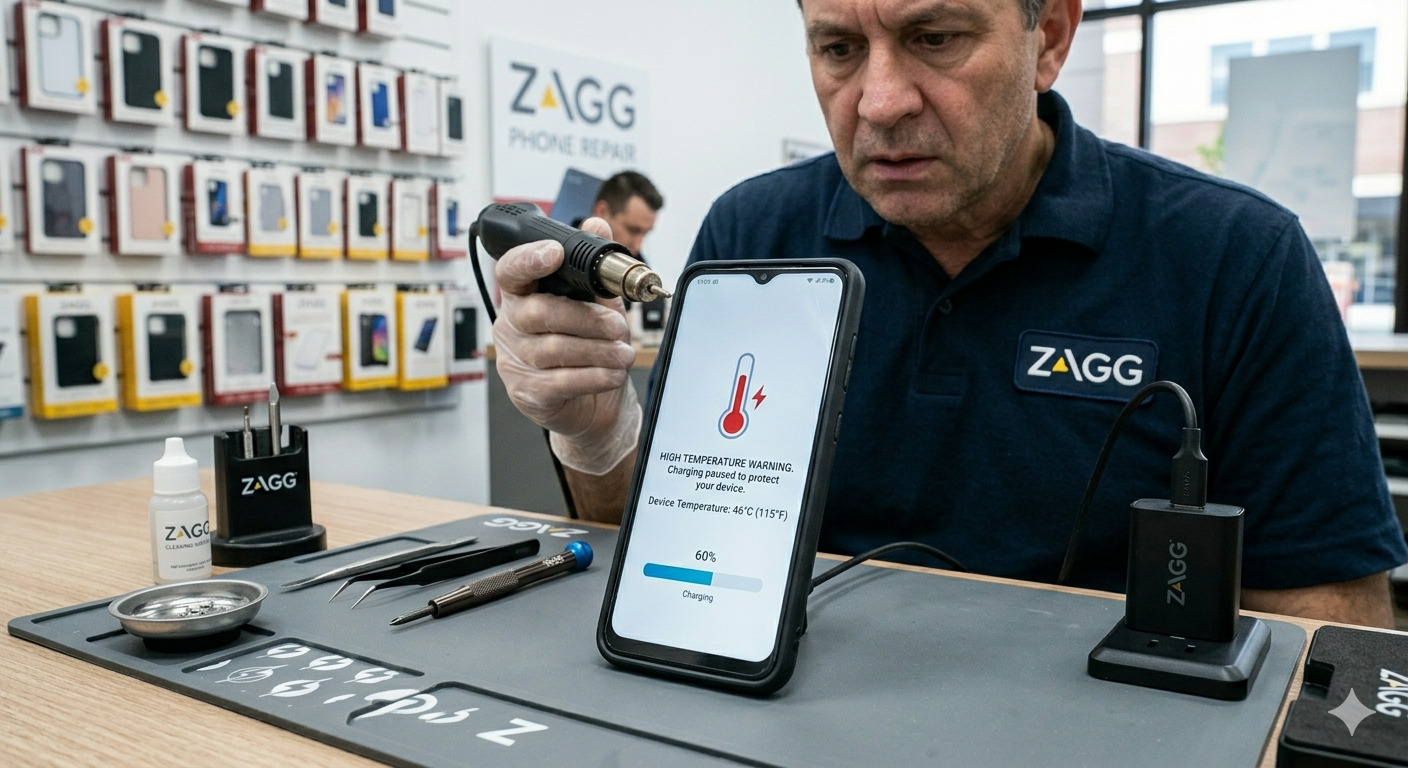
Heat is the other major enemy of battery life. Avoid leaving your phone in direct sunlight, in a hot car, or under heavy loads (like gaming or navigation) while it’s plugged in. All of these accelerate battery wear.
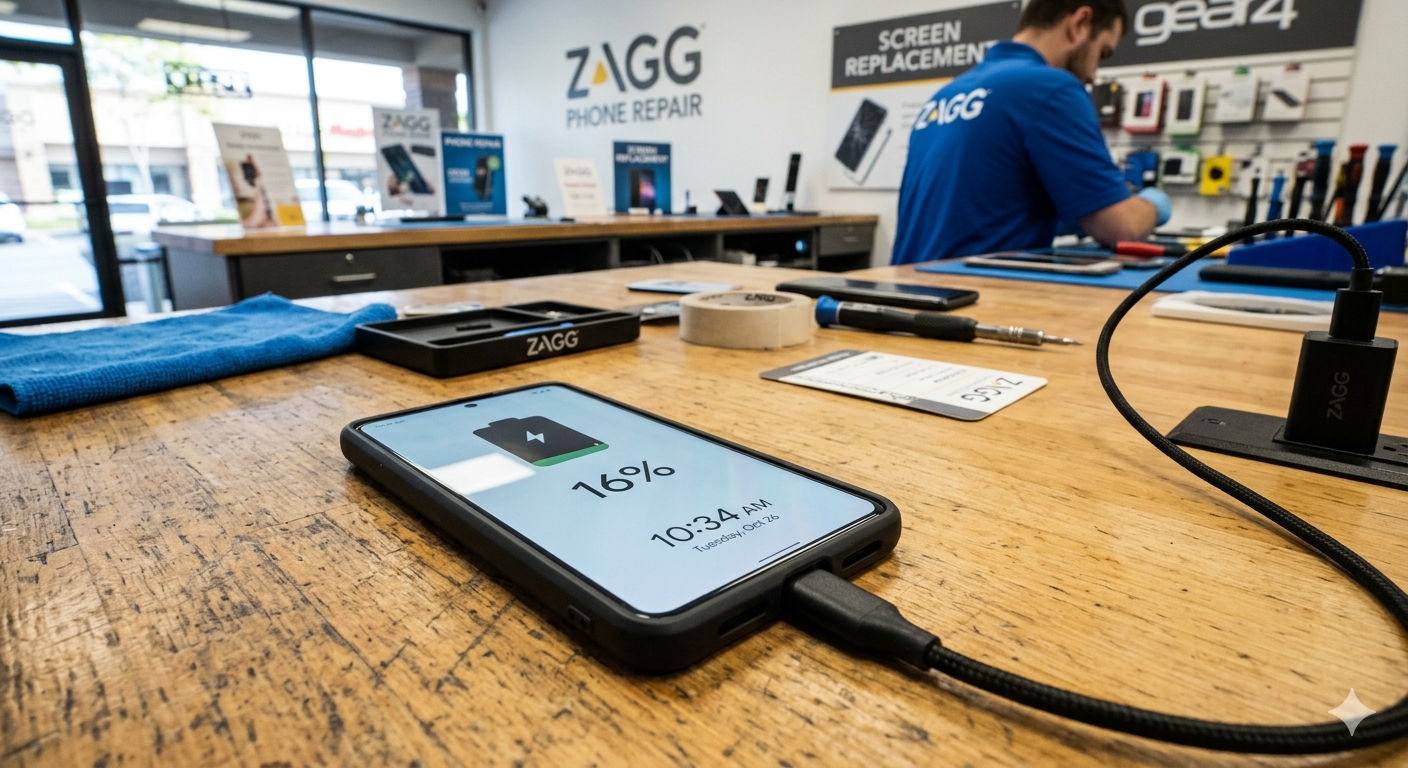
If your battery has already degraded to the point where your phone struggles to make it through the day, replacing just the battery — rather than the entire phone — is a cost-effective fix that can breathe years of new life into your device.
Keep Your Software Updated and Lean
Software plays a huge role in how fast and stable your phone feels. Keeping your operating system and apps up to date ensures you have the latest performance improvements, security patches, and bug fixes. Ignoring updates for too long can leave your device vulnerable and sluggish.
Equally important is managing what’s installed on your phone. Apps that run in the background, send constant notifications, or sync data around the clock drain your battery and slow down your processor over time. Regularly audit your apps and uninstall anything you no longer use. Clearing cached data periodically can also free up storage and improve performance.
A phone that’s cluttered with unused apps and bloated storage will feel old well before its time.
Manage Storage Wisely
Running out of storage is one of the fastest ways to make a phone feel sluggish. When internal storage fills up, the device has less room to run smoothly, and performance takes a noticeable hit.
Make a habit of offloading photos and videos to cloud storage or a computer on a regular basis. Delete apps you haven’t opened in months. Clear out old downloads, cached files, and duplicate photos. Keeping a comfortable buffer of free storage keeps your phone operating efficiently.
Handle Your Phone With Care — Daily Habits Matter
It’s not just big drops that cause damage. Everyday habits add up over time. Avoid exposing your phone to extreme temperatures, moisture, or direct sunlight for extended periods. Keep it away from keys, coins, and other sharp objects in your pocket or bag that can scratch the screen and body.
Be mindful of the charging port, too. Plugging and unplugging carelessly, using the wrong cable, or bending the cord at sharp angles can wear out the port over time, leading to charging issues that are frustrating and costly to repair.
Small, consistent habits protect your device far more than any single precaution.
When Something Goes Wrong, Seek Professional Phone Repair
No matter how careful you are, things happen. A cracked screen, a battery that won’t hold a charge, a waterlogged device, or a charging port that stops working — these are common issues that don’t mean your phone’s life is over.
Seeking out professional phone repair is almost always a smarter and more affordable choice than replacing your device entirely. Certified technicians can diagnose problems accurately, use quality parts, and restore your phone to working condition at a fraction of the cost of a new device. Many repairs — like screen replacements or battery swaps — can be completed quickly and come with a warranty on the work.
The key is not to wait. Small issues, like a hairline crack or a partially working button, can worsen over time and become far more expensive problems. Addressing them early through professional phone repair keeps costs down and your device in service longer.
Use Your Phone Intentionally
One overlooked aspect of smartphone longevity is simply using it with intention. Heavy, constant usage puts wear on every component — the screen, battery, processor, and speakers all experience more stress the more they’re used. This doesn’t mean using your phone less for things that matter, but it does mean being thoughtful about unnecessary usage.
Reducing screen brightness, enabling battery saver modes when you don’t need full performance, and turning off features like location services, Bluetooth, and Wi-Fi when they’re not in use all contribute to less strain on your device over time. These small adjustments compound into meaningful differences in how long your phone lasts.
Ready to Give Your Phone a Second Life?
We believe your smartphone deserves to last. Our certified technicians specialize in fast, affordable repairs — from cracked screens and dead batteries to water damage and charging port issues. We use high-quality parts and stand behind every repair with a satisfaction guarantee.
Don’t replace it — restore it. Visit us in store, book an appointment online, or give us a call today. Your phone has more life left in it than you think, and we’re here to help you get every bit of it.
Frequently Asked Questions
How long should a smartphone realistically last?
With proper care, most modern smartphones can remain fully functional and useful for several years beyond the typical upgrade cycle. The key factors are how well the battery is maintained, how the device is physically protected, and whether software is kept up to date.
Is it worth repairing an older phone instead of buying a new one?
In most cases, yes — especially for common issues like cracked screens or degraded batteries. The cost of repair is usually a fraction of a new device, and if the phone is otherwise working well, repair is the smarter financial choice.
Does charging overnight damage my battery?
Frequent overnight charging can contribute to battery wear over time, particularly if your device gets warm while charging. Using features that regulate charging speed, or simply unplugging once the battery is full, can help preserve battery health.
Can resetting my phone to factory settings help performance?
Yes. A factory reset removes accumulated junk files, outdated app data, and software glitches that can slow a phone down. It won’t fix hardware issues, but it can make an older device feel noticeably faster.
What’s the most common reason phones are replaced prematurely?
Battery degradation and cracked screens are the top two reasons people replace phones before they truly need to. Both are repairable at a reasonable cost and shouldn’t prompt a full device replacement.
How do I know when it’s actually time to replace my phone?
It’s time to consider a replacement when repair costs approach or exceed the phone’s current value, when the device can no longer receive security updates, or when it can no longer run the apps you rely on. Short of those factors, maintenance and repair are almost always the better option.